
What Is PinsFlirts?
PinsFlirts is a dating website, designed especially for people looking to connect and chat with people in their area. It is virtually accessible from every part of the world, and while its user base is not the largest, you’ll definitely find someone to chat with on it.
In this review, we will cover PinsFlirts’ registration process, as well as all its helpful dating features. We’ll cover the costs, how safe the site is, and answer frequently asked questions about it. So, let’s jump into it!
Pros
Modern website interface
Helpful dating features
Optimised for use on other devices (through browser)
Advanced search filters
Quick registration process
Cons
The site has a lot of ads
Can get quite expensive
Does not have a mobile app
Not the best matching algorithm
Login Process
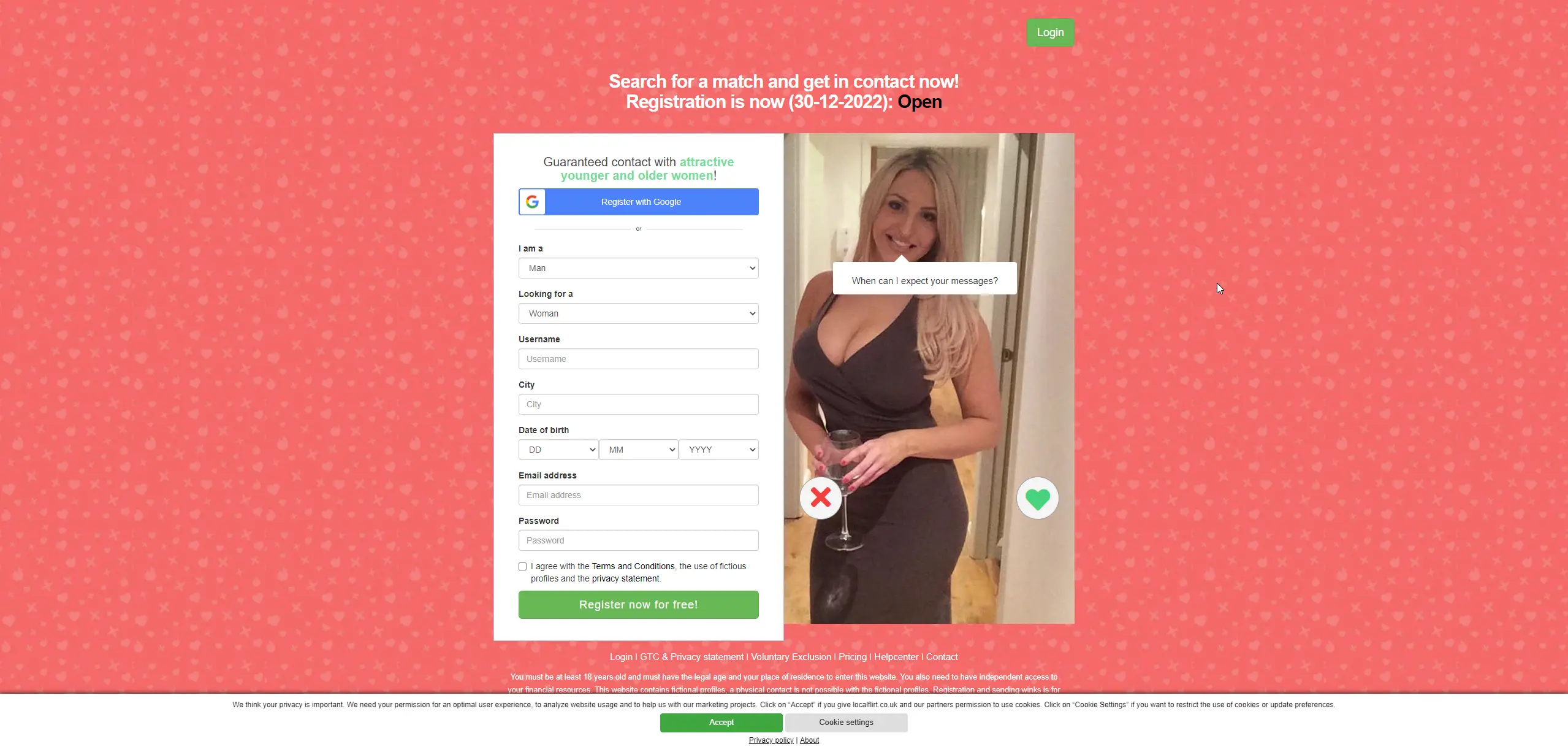
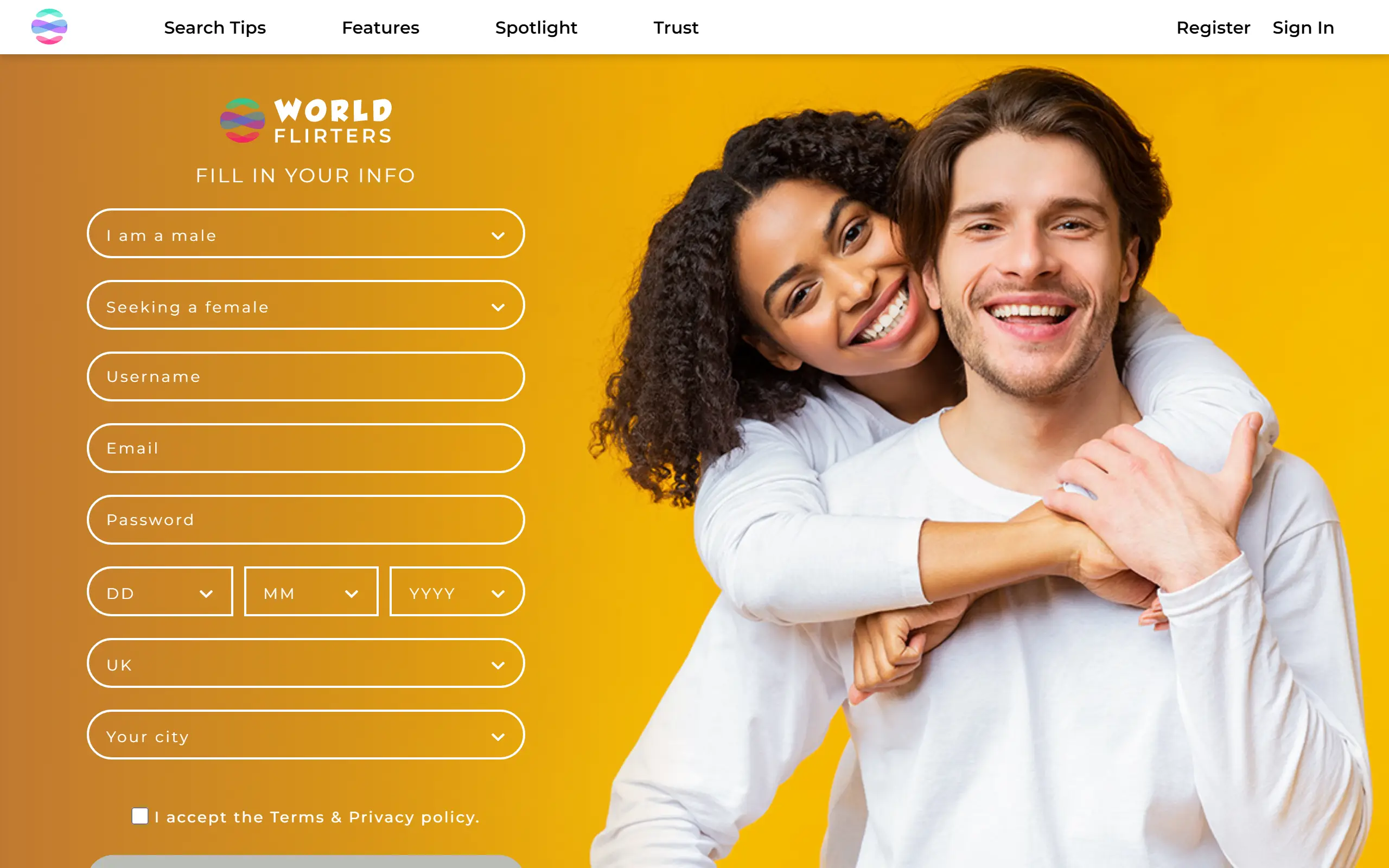
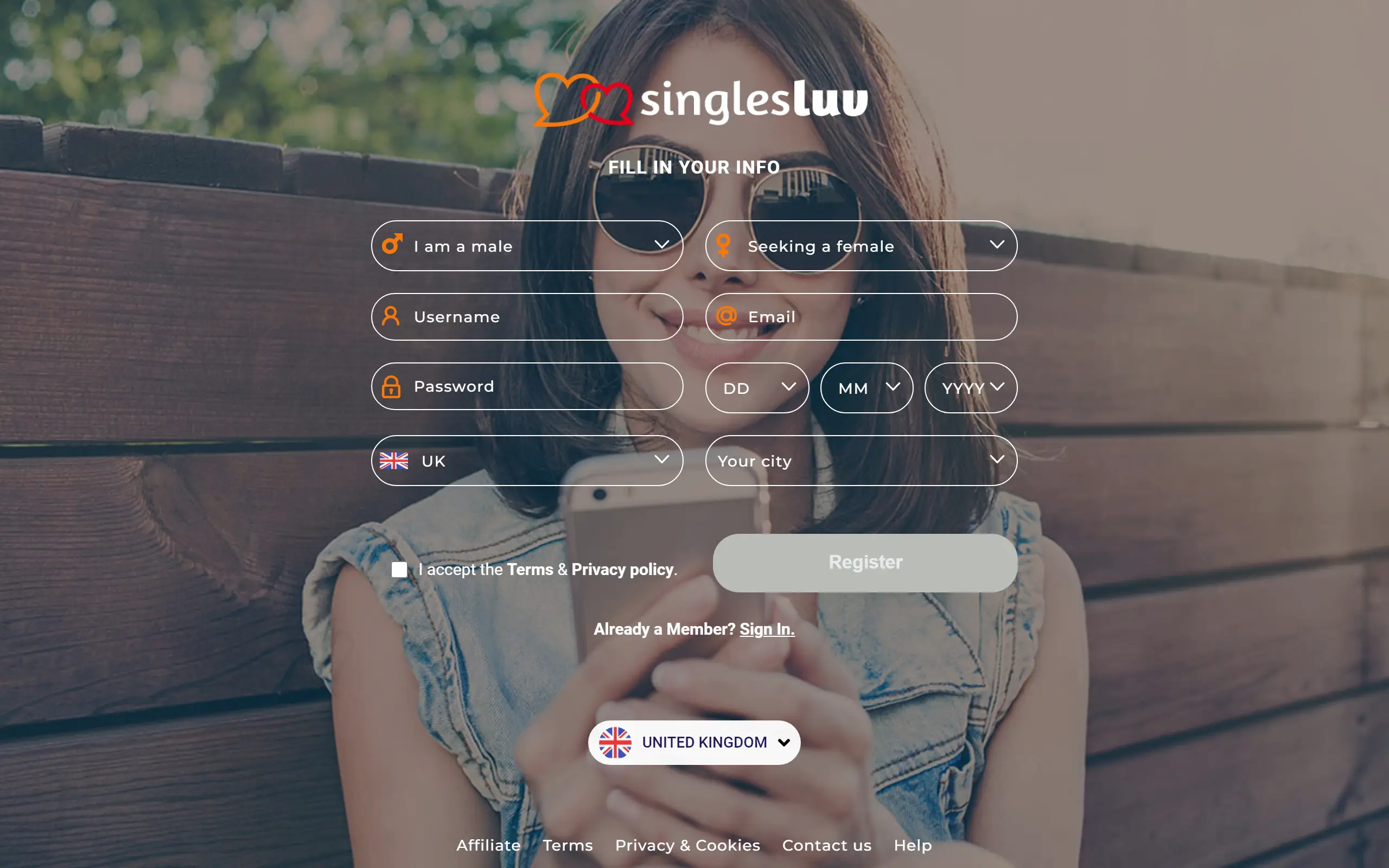
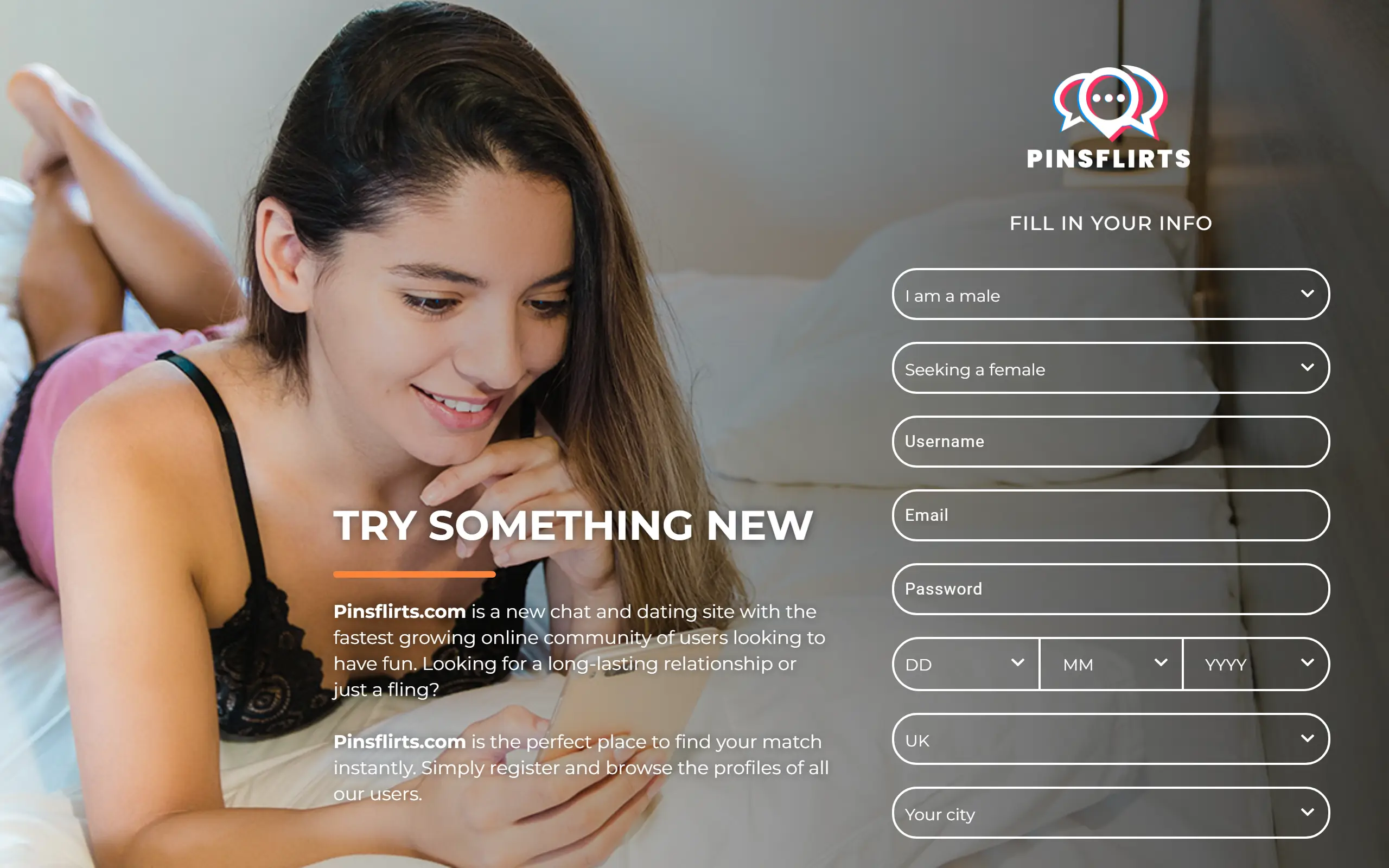
PinsFlirts allows you to access the site immediately with your Gmail, however, users can also opt for its sign up form. Both options are quick and simple, with the later taking just a minute longer. If you choose to register through the form, here’s what you will need to fill in:
Your gender
The gender you are interested in
Username
Email
Password
Date of birth
Country
City
Finally, you will need to tick the box accepting their Terms & Privacy policy, before clicking the “Register” button.
Profile Completion
As you might expect, all the information you provided during the registration process will be featured on your profile automatically. Now, to completely fill up your page however, you will need to:
Upload a profile picture
Write an “About Me” text
Upload gallery images
Fill in your “Basics” section (covering info on your outer appearance and lifestyle)
Choose your “Passions” from the list provided
PinsFlirts recommends you also verify your email address and profile (through mobile), and enable its push notifications to get some additional coins and help your profile reach 100% completion.
User Account Quality
Most profiles on PinsFlirts are either 100% complete or near complete, with the exception of a few who have not uploaded a profile picture. Considering that you can get some free coins by filling up sections of your profile, this makes sense. What’s more, all images and the “about me” text on all profiles are moderated, and go live only after they have been reviewed by real people.
Nonetheless, we cannot ignore the fact that the site operates so-called “system profiles”. These profiles are designed to enhance users’ entertainment on the platform, and users cannot make contact with the people operating them. Unfortunately, there’s no real way to tell which profiles are real and which are the site’s, so we’d recommend not getting too personal until you have confirmed the other person is genuine.
Dating Features
Advanced Search Filters
The members’ area of the site allows users to filter down their results based on certain criteria, making it easier to find someone compatible. These start with the age range filter where you can choose to view users anywhere between 18 and 100 years old. This is followed by City and Country, both of which are automatically set to your location, but can be changed to pretty much any place worldwide. You can even set the distance from your location to theirs starting from 50 km to “any”.
These filters also allow you to search for individuals based on their username as well, not to mention whether they are online, a new profile on the platform, or have a boosted profile. While PinsFlirts does not allow you to filter based on outer appearance characteristics, it still has some great ways to filter down your dream match.
Chat Functions
The chat feature on PinsFlits offers some quite interesting functions. As it’s expected from all dating sites and app nowadays, chatting is instant and messages get sent to the other person’s inbox immediately, but that’s not all. Users can exchange images, and even send some unique stickers to their chatting partners.
Among these stickers, they also have a paid package inspired by Greek Mythology which was definitely fun to use. What’s more, if you happen to be discreet on the site, you can click the three horizontal lines at the top right corner of a chat to hide it from the list. Finally, you can also block a user without having to navigate to their profile in the same way.
Roulette
The Roulette feature is your typical must-have way to get matched on any dating site nowadays. Similar to Tinder’s Swiping feature, users can see previews of profiles, and they can either “like” them or “skip” them by clicking the “heart” or “x” icons respectively. The previews include several images from the users’ gallery (+ their main profile photo), their username and age, location (country and city), as well as some of their “Passions”.
Prices & Costs
PinsFlirts operates on a coin-basis, which means users have to purchase coins in order to complete certain actions on the site. These actions are specifically sending messages, as one message costs 40 coins each. Here’s a breakdown of the available packages:
Intro - 200 coins - €9.99
Basic - 400 coins - €19.99
Standard - 1,200 coins - €49.99
Premium - 3,000 coins - €99.99
Ultimate - 8,000 coins - €199.99
The prices may differ based on your location and currency, as well as the payment options. Nonetheless, so far we’ve found that pretty much every country has either Visa, Mastercard, or Google Pay.
How Safe Is PinsFlirts?
PinsFlirts is overall quite a safe dating site, thanks to their team of moderators. They are in charge of manually checking all content uploaded, so there’s barely anything disingenuous or offensive left on the platform.
On the other hand, however, it is still recommended that users download their own protection software for their devices, as things might still slip through the cracks. They also still recommend that you practise online dating security protocol when speaking with others on the platform, as they do not do any additional background checks.
Final Thoughts
Overall, PinsFlirts does a good job in helping people discover other singles online looking to make connections. It allows users to exchange messages immediately, and even filter down their results based on their preferences. On the other hand, the site can get quite expensive due to the fact that users need to keep topping up their coin balance in order to keep chatting.
So, based on the above, we would recommend PinsFlirts but only if you’ve got the economic stability. It’s also a great place for those who are a little shier than most and would rather keep their conversations from a distance. All in all, we’d recommend giving it a try, if not until the first few free coins have run out.
FAQ
Does PinsFlirts Have A Mobile App?
No, unfortunately PinsFlirts does not have a mobile app yet. Nonetheless, users can still access the site via their browsers regardless of device.
How Much Does PinsFlirts Cost?
PinsFlirts messages can cost anywhere from €0.99 to €1.99 each. Registering, browsing, and using any of the available features won’t cost you a penny though.
How To Delete My PinsFlirts Account?
You can delete your PinsFlirts account by following the below steps:
Click the “gear” icon at the bottom left corner of the sidebar
Select “Account” from the drop down menu
Scroll to the bottom of the page and click “Delete My Account”
Enter your password
Provide a reason for leaving
Select “Submit”
Please keep in mind that if you have verified your email address with the site, you will receive an email asking you to confirm the deactivation of your account.